


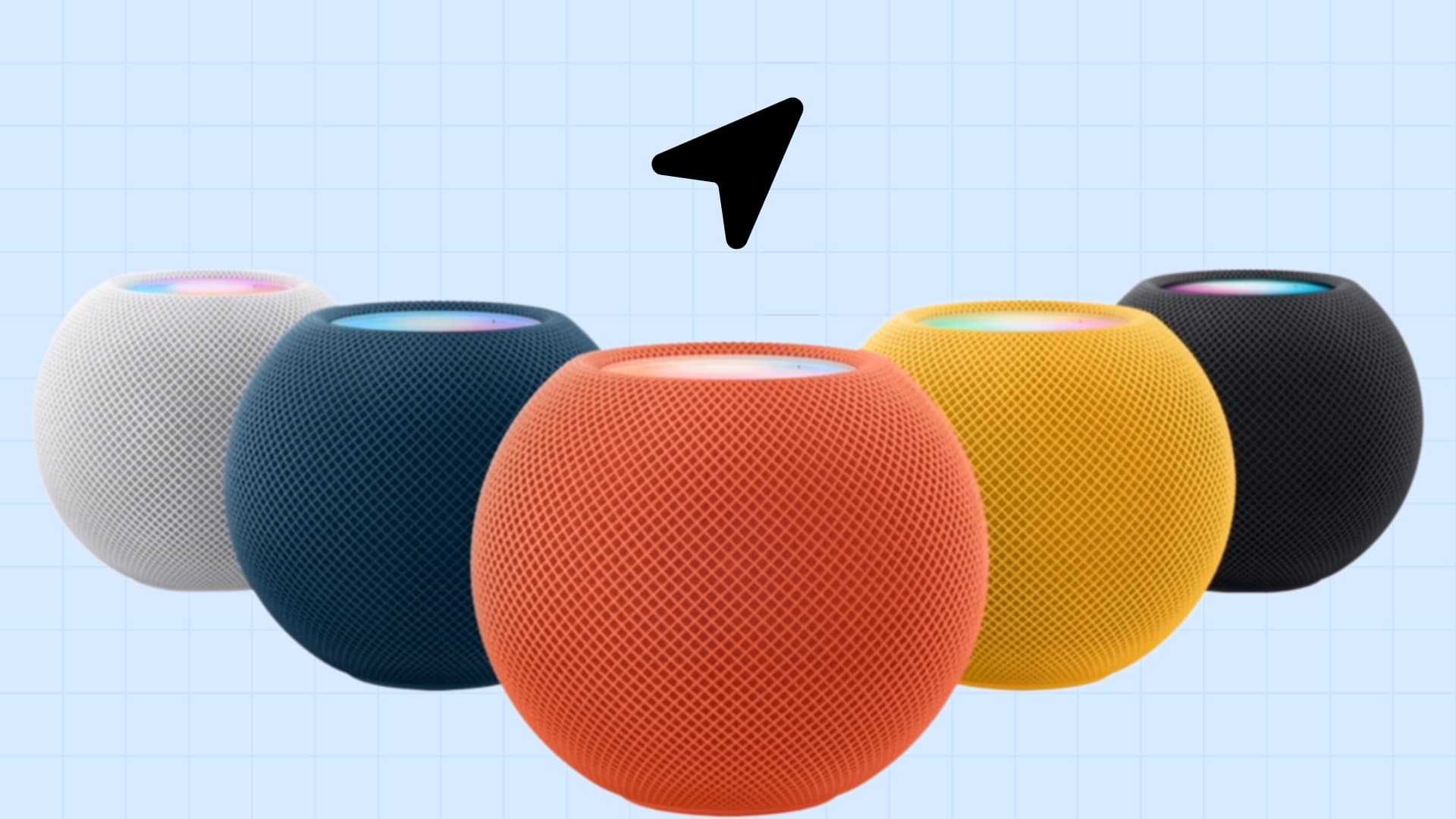
Siri on HomePod stops reporting the current time, day and date unless the request specifies your location
 , , , Apple, date, Featured, HomePod, HomePod mini, Issue, News, Push, Siri, Time, 0
The Siri assistant on Apple's HomePod and HomePod mini speakers is currently exhibiting issues giving the current time, day...

Jellyfish Reborn revives a popular Lock Screen concept for jailbroken iOS 16 devices
 , , , date, Featured, iOS, iOS 16, iPad, iPadOS, iPhone, Jailbreak, Jailbreak Apps & Tweaks, Lockscreen, News, Review, Time, UI, Weather, 0
Jellyfish Reborn brings an Apple Watch Motion face-inspired Lock Screen to jailbroken iOS and iPadOS 16 devices with customization...

Mooner is a free alternative to Lunar, offering nice Lock Screen aesthetics to jailbreakers
, , , date, iOS, iOS 15, iOS 16, iPhone, Jailbreak, Jailbreak Apps & Tweaks, Lockscreen, News, Review, Time, UI, Widget, 0
Want a different look on your jailbroken iPhone’s Lock Screen without spending any money? You might try the Mooner...

Lunar is a redesigned Lock Screen tweak with widgets for jailbroken iOS 16 devices
, , , date, Featured, iOS, iOS 16, iPad, iPadOS, iPhone, Jailbreak, Jailbreak Apps & Tweaks, Lockscreen, News, Review, Time, UI, Widget, 0
You can use the new Lunar jailbreak tweak to get a simpler and sleeker Lock Screen aesthetic on iOS...
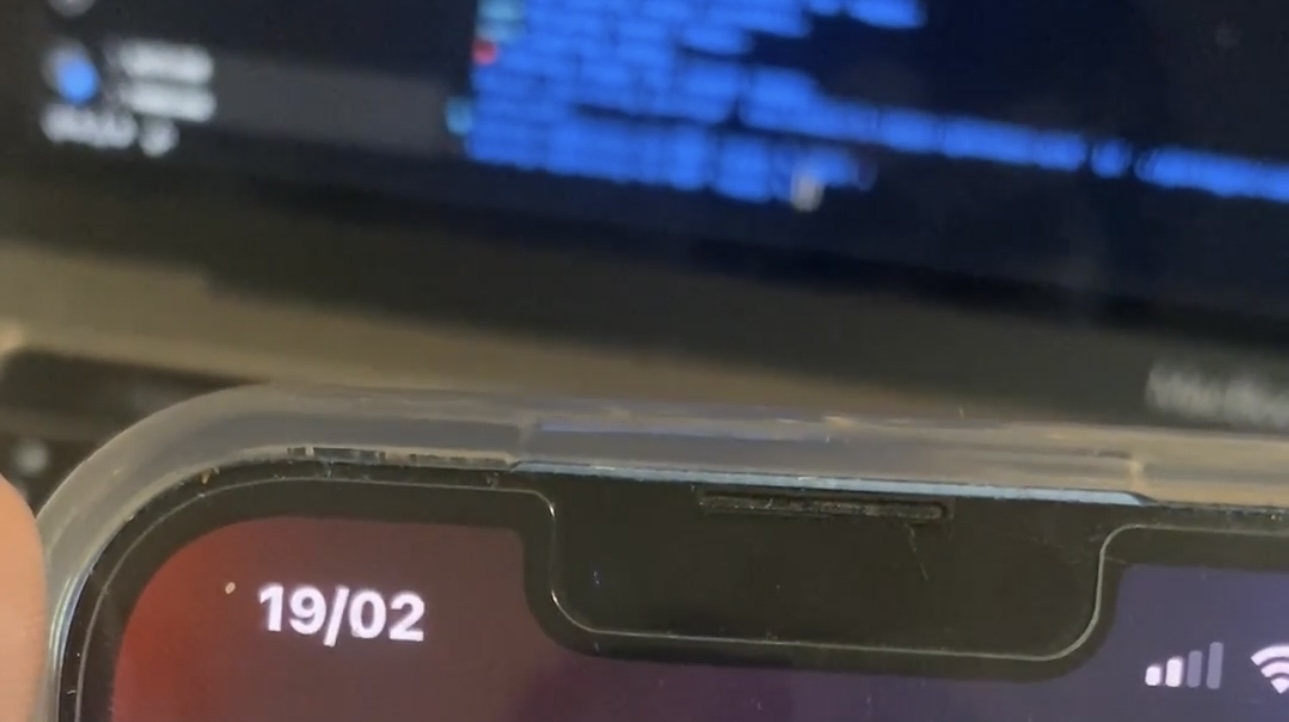
Tappy now available via repository, fully open source, and supports rootless jailbreaks
, , , date, iPhone, Jailbreak, Jailbreak Apps & Tweaks, News, Status Bar, Time, UI, 0
The Tappy jailbreak tweak for making the Status Bar’s time indicator turn into a date indicator with a tap...

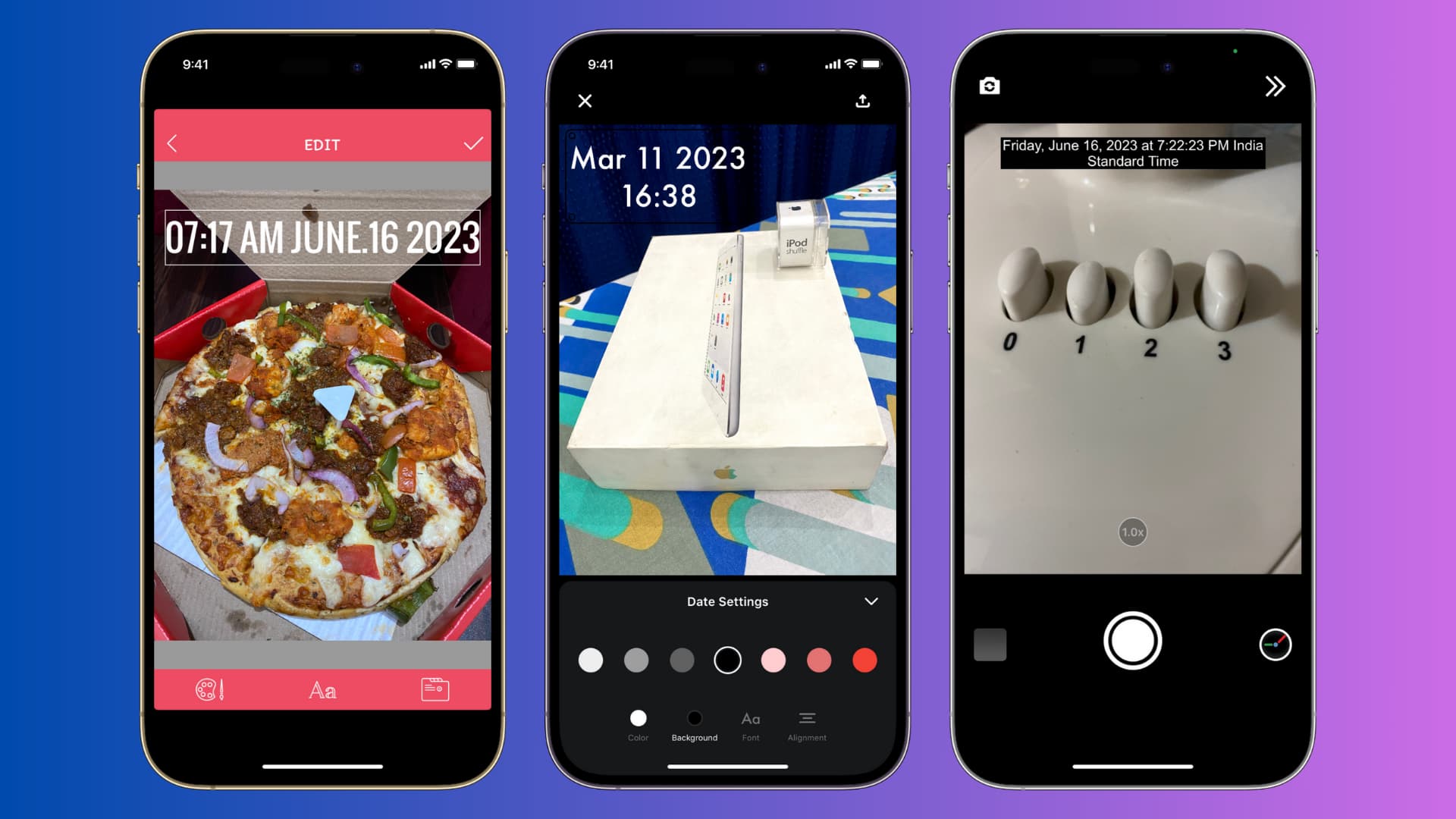
SecondHand lets TrollStore users add seconds to the Status Bar time and the date to the breadcrumb links
, , , date, GitHub, Hack, iOS, iOS 14, iOS 15, iPhone, Jailbreak, News, Status Bar, Time, TrollStore, UI, 0
With the new SecondHand TrollStore app, you can add seconds to the Status Bar time display or the date...

How to automatically or manually change the date, time, and time zone on iPhone, iPad, Mac, Apple Watch, and Apple TV
 , , , Apple Watch, Clock, date, Featured, How to, iPad, iPhone, Mac, News, Time, Tutorial, Tutorials, 0
Learn how to set the correct time zone automatically or change it manually on your iPhone, iPad, Mac, Apple...
Recent posts
-
 How to Check Whether a New Website or Mobile App Is Safe to Use November 14, 2026
New websites and apps appear every week, and some are built to steal data or money. Here is a practi...
-
 How to Reduce Your Personal Footprint Online From an iPhone November 13, 2026
Your iPhone can do a lot to protect your privacy. With newer versions of iOS you can block… Th...
-
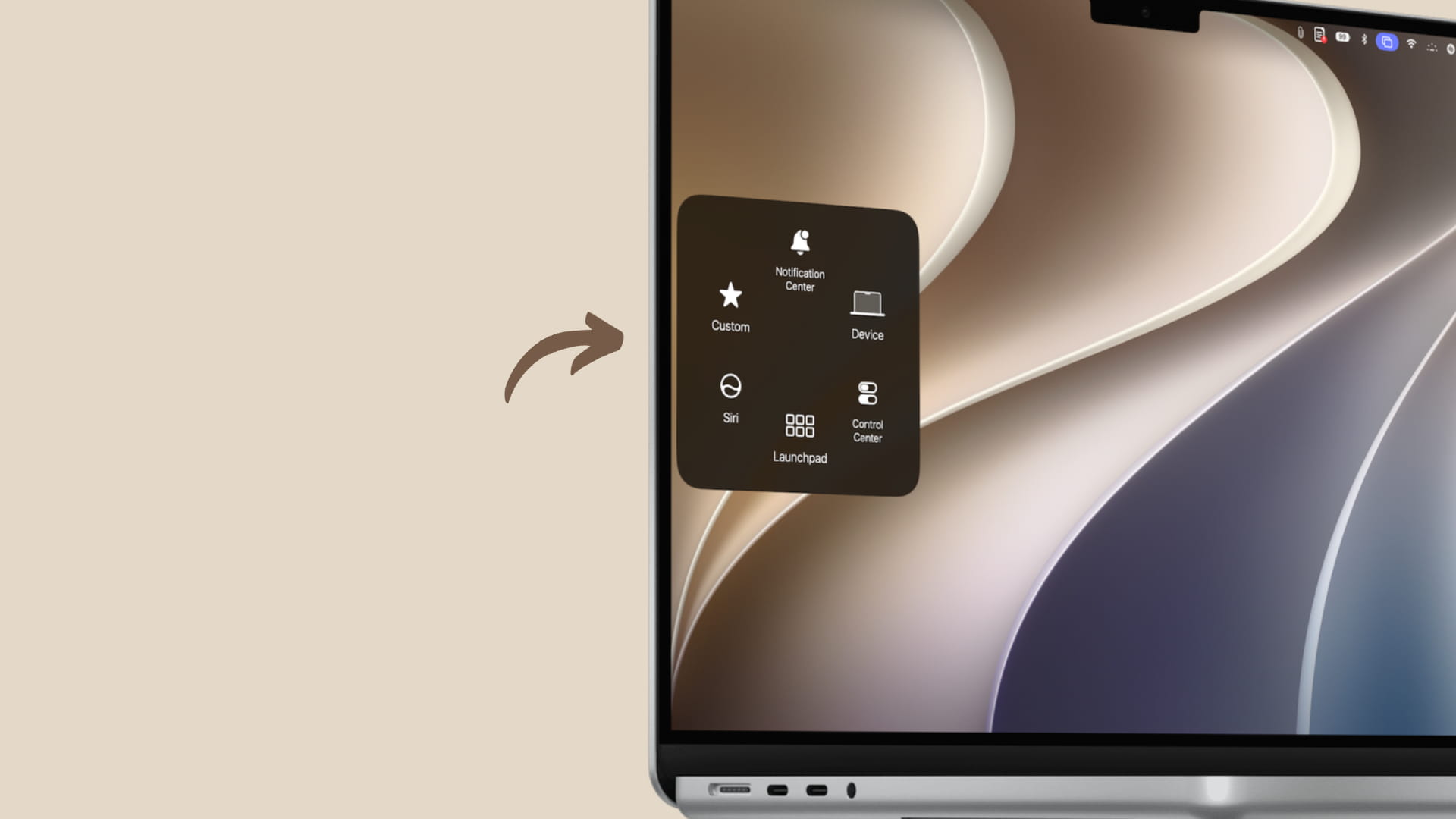 How to use AssistiveTouch on Mac in macOS 27 Golden Gate November 13, 2026
Learn how to show the floating AssistiveTouch button on your Mac’s screen to take quick actions wh...