With the Rode jailbreak tweak, your Lock Screen's passcode buttons are always randomized, preventing over-shoulder snooping attacks.
PassText lets jailbreakers replace passcode button numbers with text & emojis
With the PassText jailbreak tweak, users can replace the numbers on their passcode entry keypad with text or Emojis...
‘Draw’ your passcode instead of entering it with the new Doodle jailbreak tweak
The new Doodle jailbreak tweak lets you replace the standard numeric keypad or alphanumeric password keyboard with a 'doodling'...
Vizage brings Face ID-like functionality to jailbroken non-Face ID iPhones
The new Vizage jailbreak tweak brings Face ID-like face recognition technology to Home Button devices or devices with broken...
Vizage brings Face ID-like functionality to jailbroken non-Face ID iPhones
The new Vizage jailbreak tweak brings Face ID-like face recognition technology to Home Button devices or devices with broken...
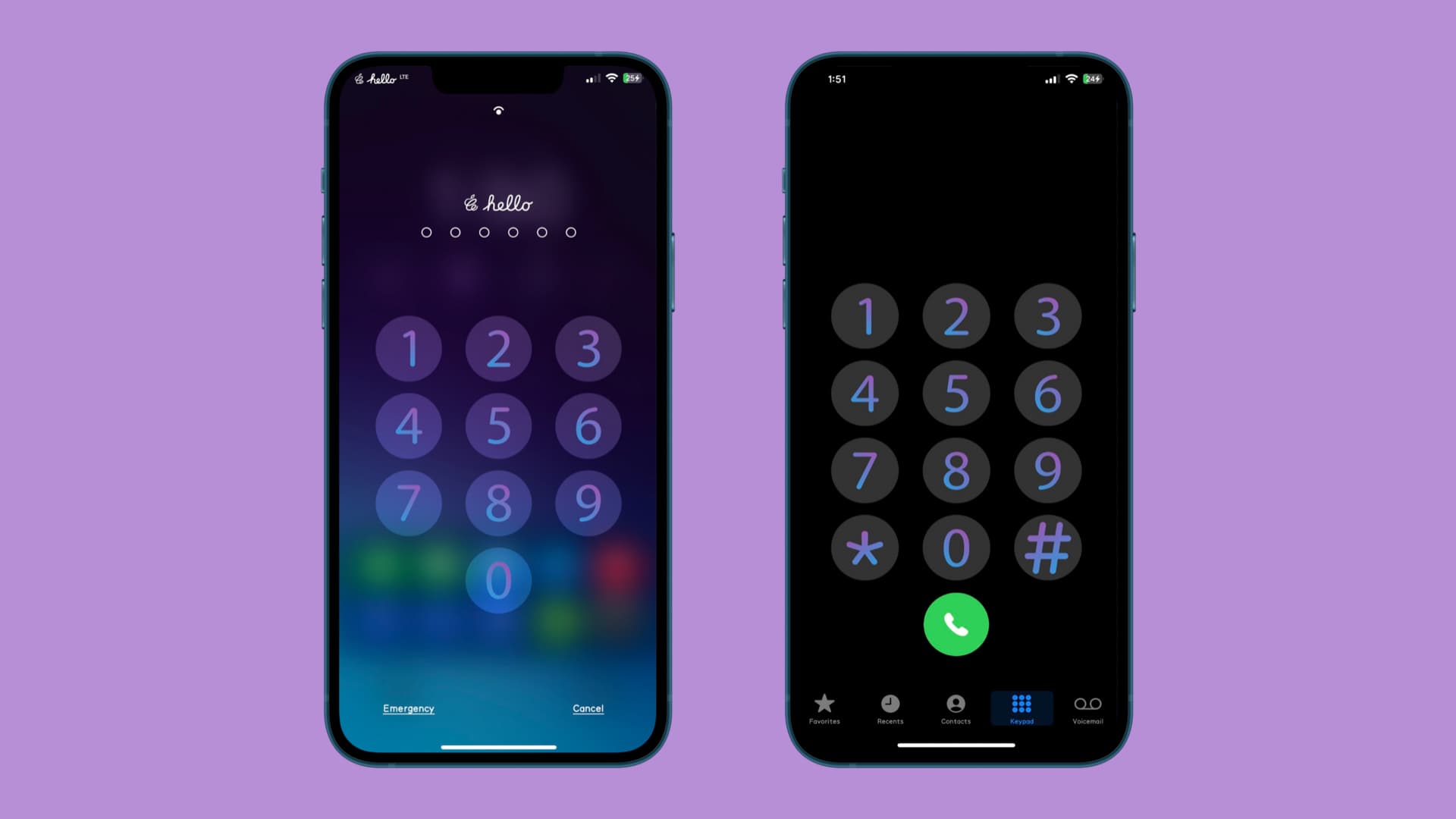
Give your passcode & phone dial pad buttons an attractive gradient with this MacDirtyCow & kfd add-on
You can apply a gradient to the text in the Lock Screen’s passcode buttons and the Phone app’s dialer...
How to hide sensitive images and videos on Google Photos behind Face ID
Turn on the Locked Folder feature in Google Photos for iOS to protect your sensitive images and videos with...
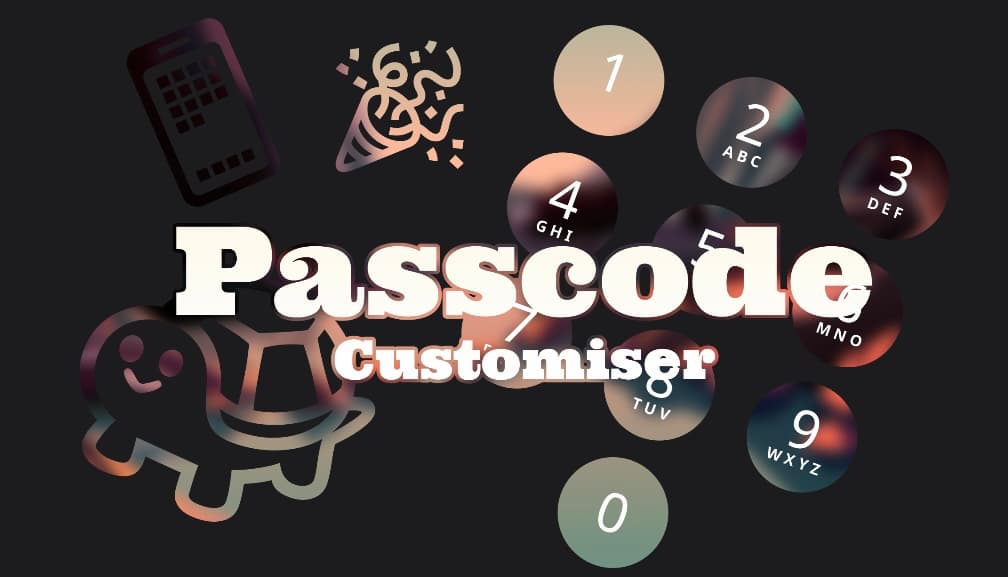
The Passcode Customizer add-on for MacDirtyCow & kfd lets users theme passcode buttons without a jailbreak
You can now use a new add-on called Passcode Customizer to change up the look and feel of your...
Recent posts
-
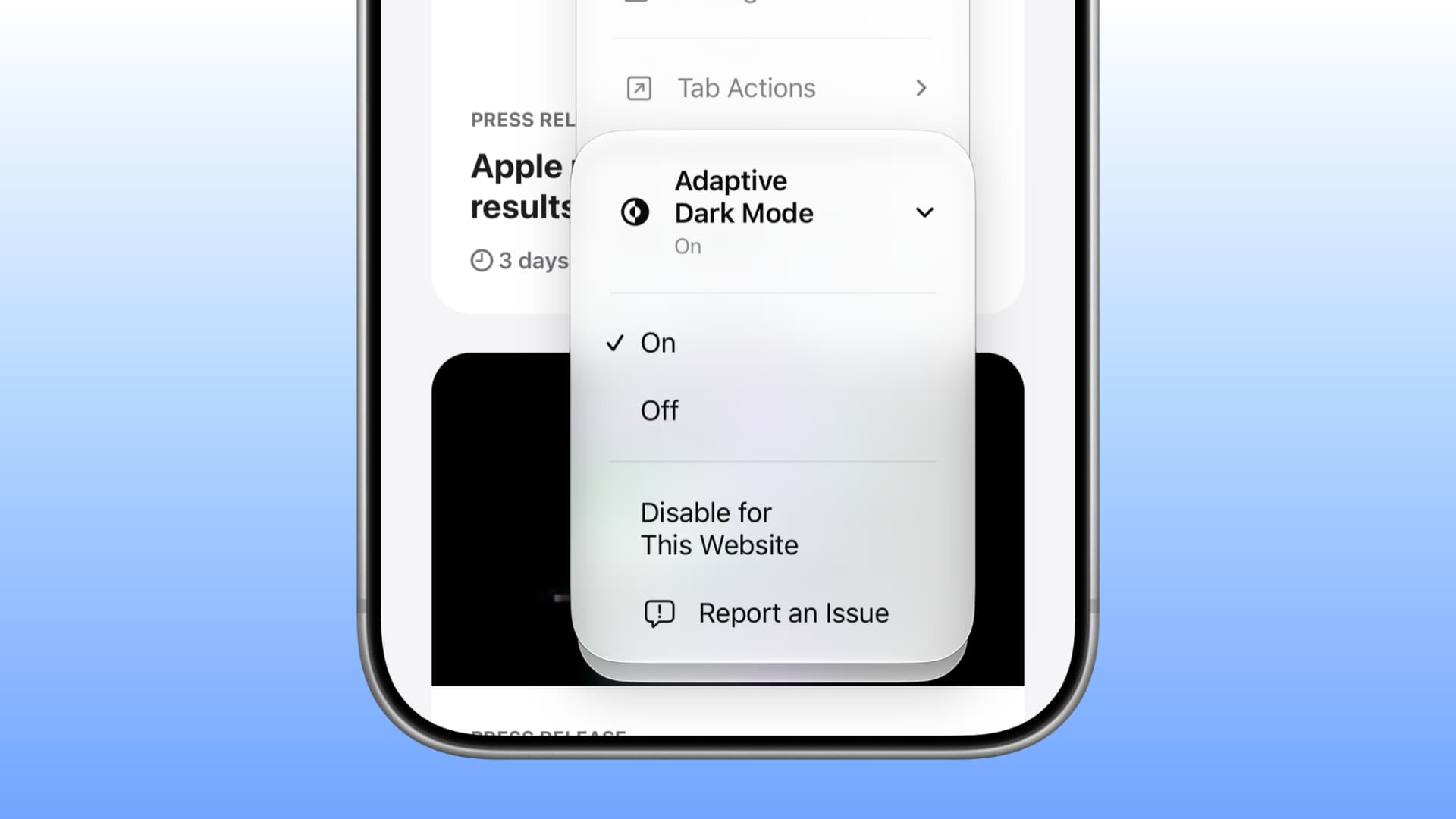
How to use Adaptive Dark Mode in Safari on iOS & macOS 27.3 November 6, 2026
Learn how to use the new Adaptive Dark Mode in Safari on iOS and macOS 27 to force dark mode on webs...
-
How to Enable or Disable Screen Rotation on iPhone 18 Pro & Pro Max November 6, 2026
Is your iPhone 18 Pro screen not rotating when you turn your phone sideways? Or perhaps the screen...
-
How to use vertical tabs in Safari on macOS and iPadOS 27 November 5, 2026
Learn how to switch to vertical browser tabs instead of the horizontal top tab row on iPhone, iPad, ...