Are you looking for the easy way to switch between different Apple Music subscriptions? Then look no further… The post...
How To Use iPhone’s Camera On Mac To Scan Documents Or Take Photos
The seamless connectivity between an iPhone and a Mac is one of the reasons why many people use… The post...
Best Stereo Speakers For Mac And PC In 2023
Are you in the market to buy the Best Stereo Speakers for Mac or PC in 2023? Then… The post...
Search the App Store and download .ipa files directly from Terminal with ipatool
A handy command line utility called ipatool lets users search the App Store and download .iOS files directly with...
OpenCore Lets You Run macOS Ventura Even on Unsupported Macs
OpenCore is an open-source bootloader that allows users to install macOS Ventura on older Macs, even if they are...
Apple releases macOS Ventura 13.2 with Security Key support and other bug fixes
The latest update to macOS has just launched, dubbed macOS Ventura 13.2, with security improvements and bug fixes.
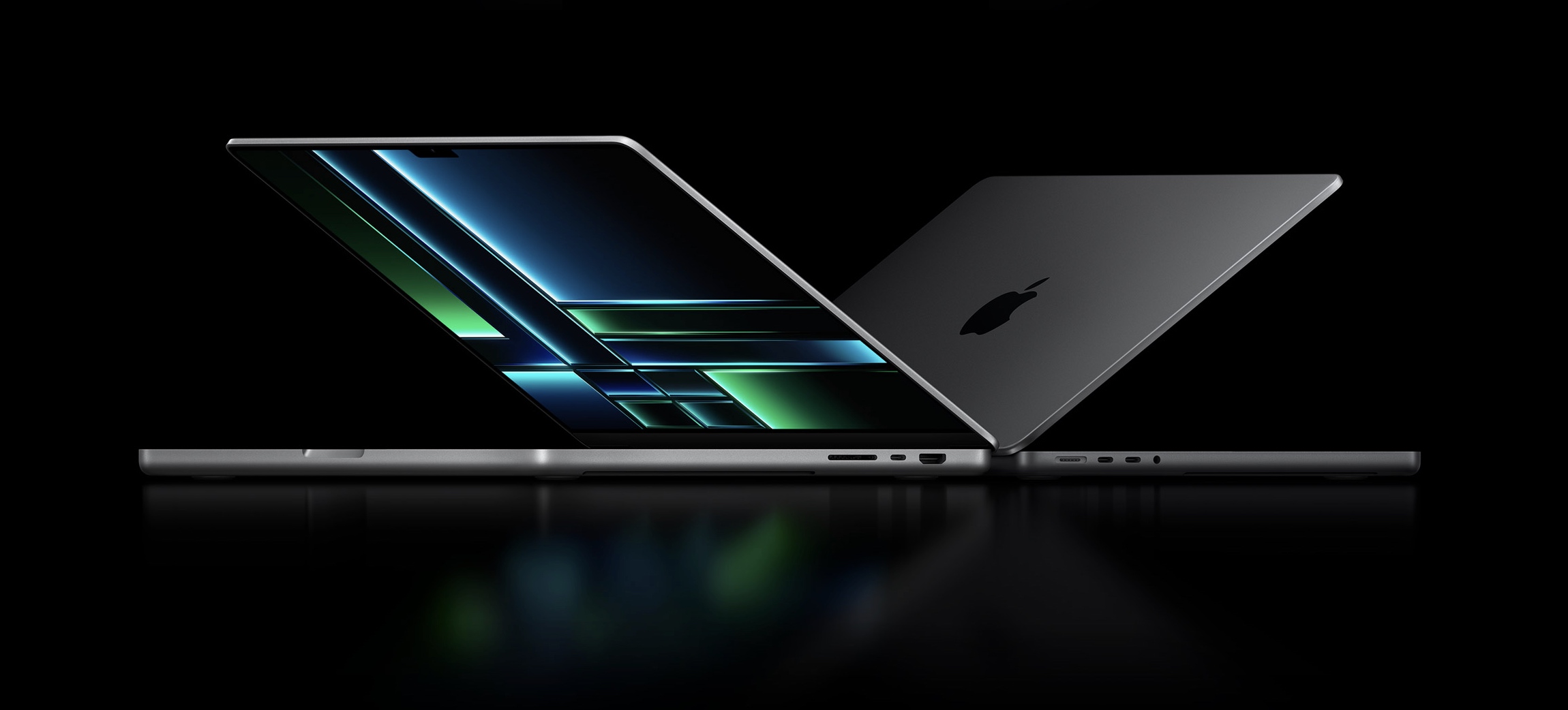
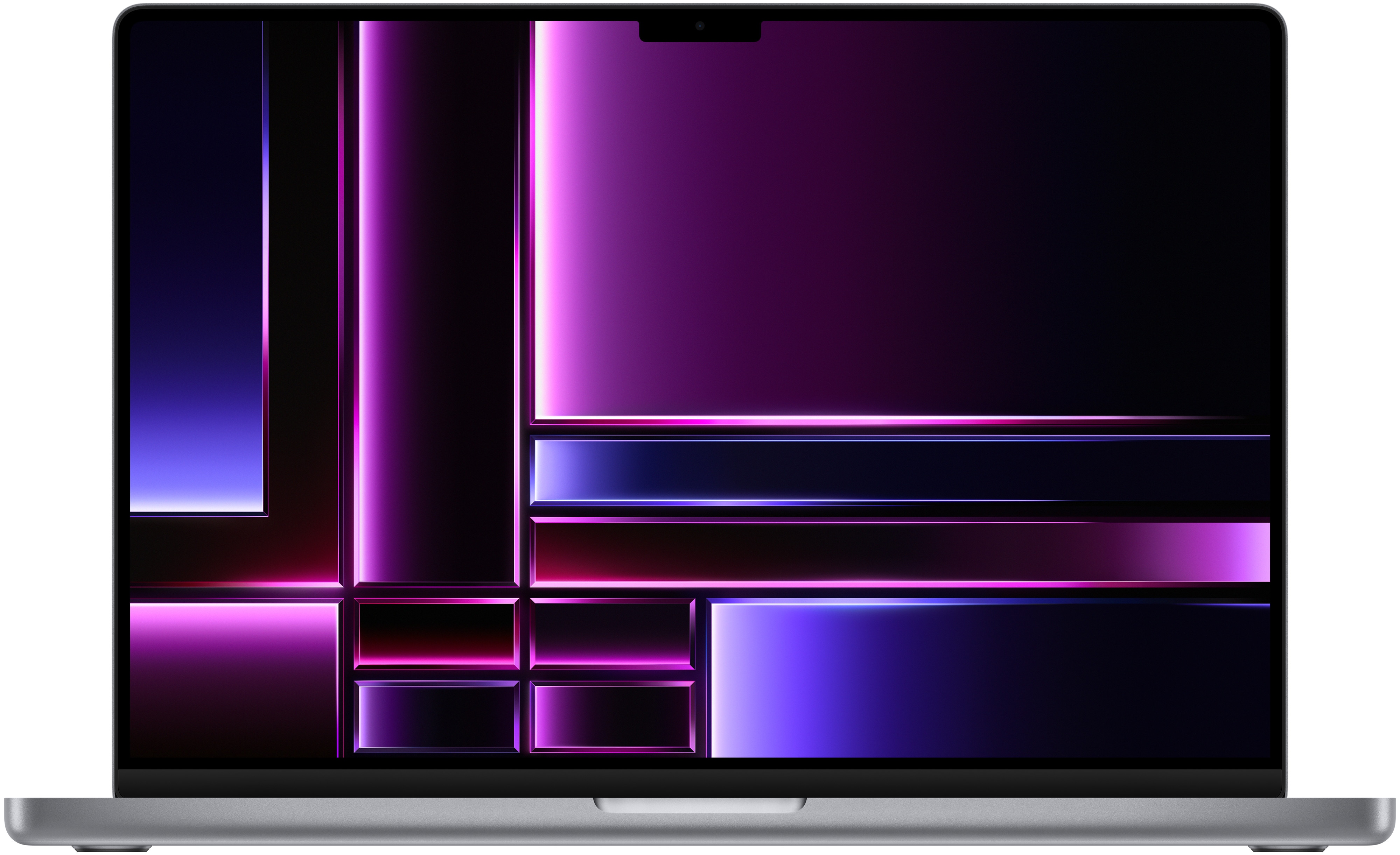
Should you get the 2023 14 or 16-inch MacBook Pro? These are the biggest changes
Are you trying to decide if you should upgrade to the 2023 14 or 16-inch MacBook Pro from the...
Five Things Every Company Needs to Protect Their Business From Cyber Attacks
These days, every business that functions using the internet is at risk of cyber attack. There are more… The post...
M2 Pro MacBook Pro Released, Here’s How It Compares To M1 Pro Model
Apple has launched the new M2 Pro MacBook Pro as a successor to the M1 Pro 2021 MacBook… The post...
Recent posts
-
How to see iPhone Live Activities on car’s screen in iOS 26 December 2, 2025
Learn how to get active Live Activities from your iPhone apps on your car’s display when using wir...
-
Fix: Apple Music web player stops or refuses to work December 1, 2025
Go through these 11 solutions if Apple Music web player stops or refuses to work properly in Google ...
-
Holiday evergreen wreaths iPhone wallpapers pack November 30, 2025
Enjoy the holiday season by hanging a holiday wreath wallpaper on your iPhone Lock Screen.