

Learn how to set up and use FaceTime and iMessage on your iPhone without a phone number or SIM card, using only your Apple Account.
This article has been posted in iDownloadBlog.com by Ankur Thakur, you can read the full article here

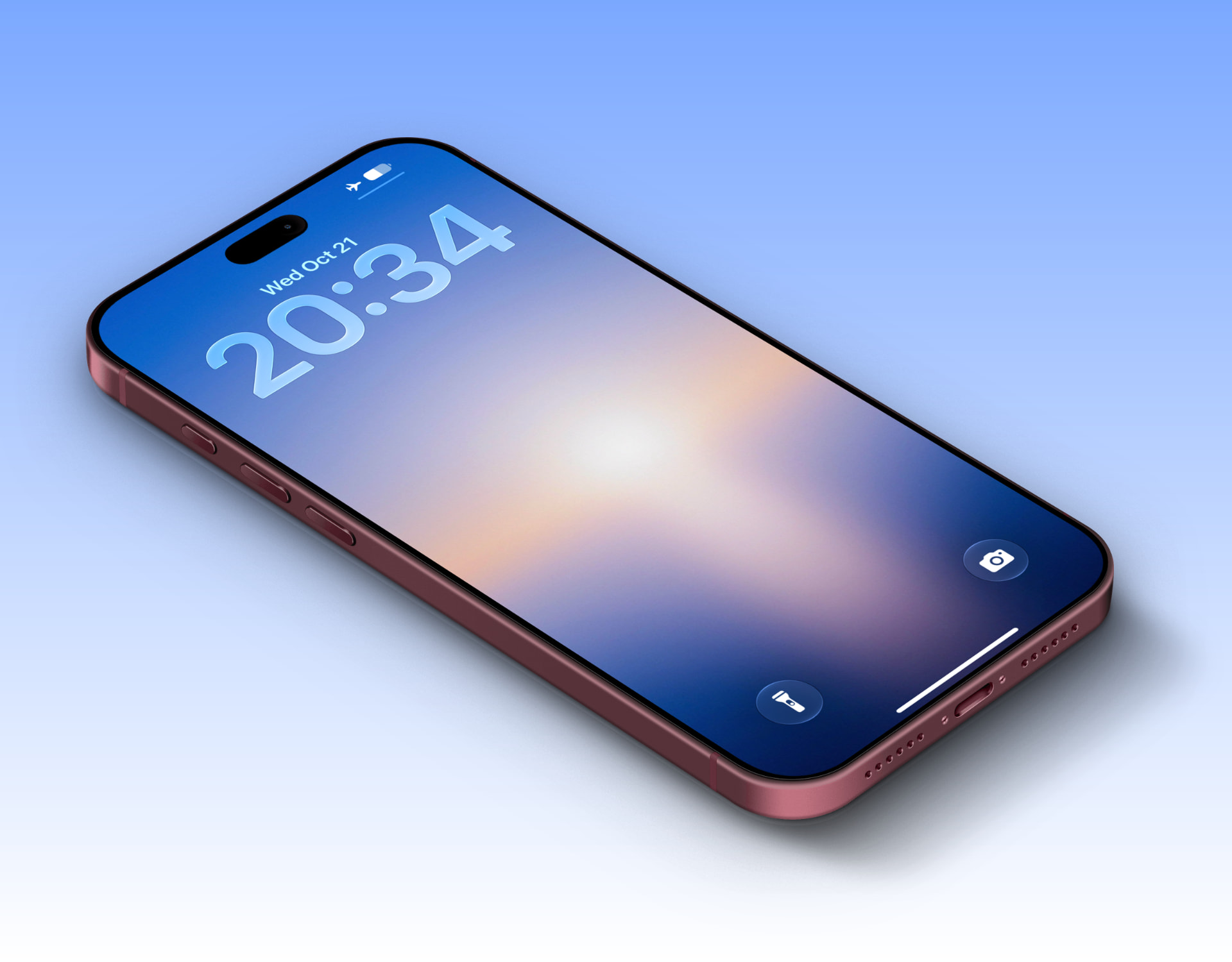 Sound glow gradient wallpapers for iPhone and Android October 21, 2026
Refresh your iPhone and Android phone Lock and Home Screen with 7 dreamy gradient wallpapers that co...
Sound glow gradient wallpapers for iPhone and Android October 21, 2026
Refresh your iPhone and Android phone Lock and Home Screen with 7 dreamy gradient wallpapers that co...
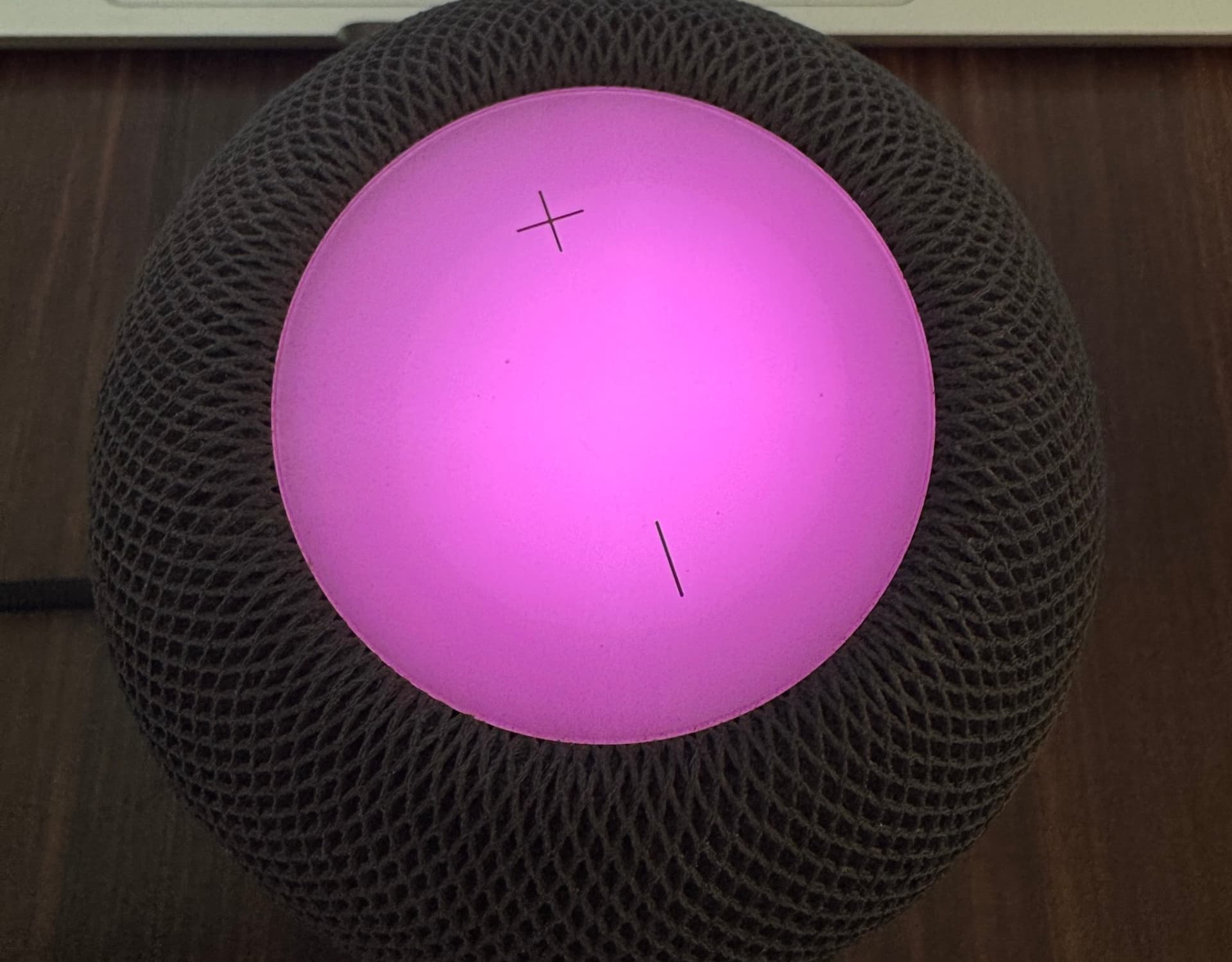 How to turn on the new Sound Glow feature on HomePod October 21, 2026
In this brief tutorial, we tell you about the new Sound Glow feature added to HomePod and HomePod mi...