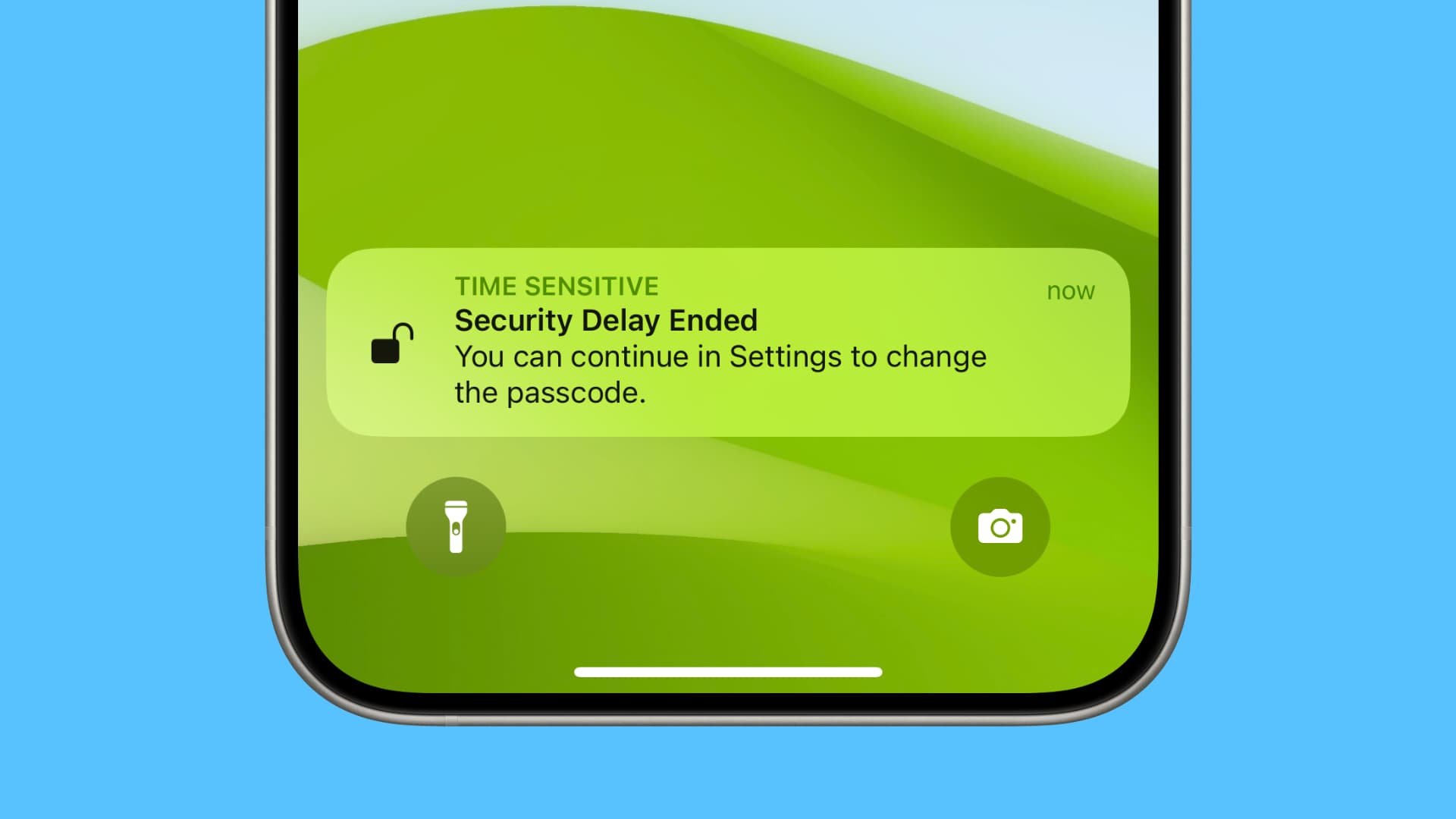
Turn on Stolen Device Protection to protect your Apple ID, passwords, and critical information when your iPhone is in an unfamiliar location.
This article has been posted in iDownloadBlog.com by Ankur Thakur, you can read the full article here

 , , , Apple ID, Face ID, Featured, How to, iPhone, News, Push, Security, Stolen Device Protection, Tips, Tutorial, Tutorials, 0
Turn on Stolen Device Protection to protect your Apple ID, passwords, and critical information when your iPhone is in an unfamiliar location.
This article has been posted in iDownloadBlog.com by Ankur Thakur, you can read the full article here
 Fix: Unable to make changes as organizer of Family Sharing May 7, 2026
Learn what to do if you are unable to make important changes to Screen Time, subscriptions, and othe...
 [SCAM] AVOID CHIMERA TOOL – My Bad Experience After Paying $145 May 7, 2026
I want to share my experience so others can be careful before spending money on Chimera. Yesterday, ...
 iPad Storage Full? Here’s How To Free Up Space Quickly May 7, 2026
Are you facing storage issues on your iPad, and your iPad’s storage is full? In this guide, we...