

Have you ever wanted to hide the dock that appears at the bottom of your iPhone’s home screen ? The trick is so simple and doesn’t need from you to have a jailbroken iOS device. The trick takes advantage of a wallpaper rendering bug in various versions of iOS — including iOS 9.3 — and here’s how you use it.

The trick is available on all versions of iOS 9.3, according to RedmondPie, and some older firmwares, too — such as iOS 9.1 — but not all have been tested. Here are the steps you need to follow:
- Visit the following URL to find the wallpaper you need to make this possible: 98.246.187.61:47224/hide_the_dock.html
- Tap and hold on the wallpaper, then select “Save Imageâ€
- Go into the Photos app, find the wallpaper you just saved, then tap the share button
- Tap “Use as Wallpaperâ€
- Tap “Still,†then tap “Setâ€
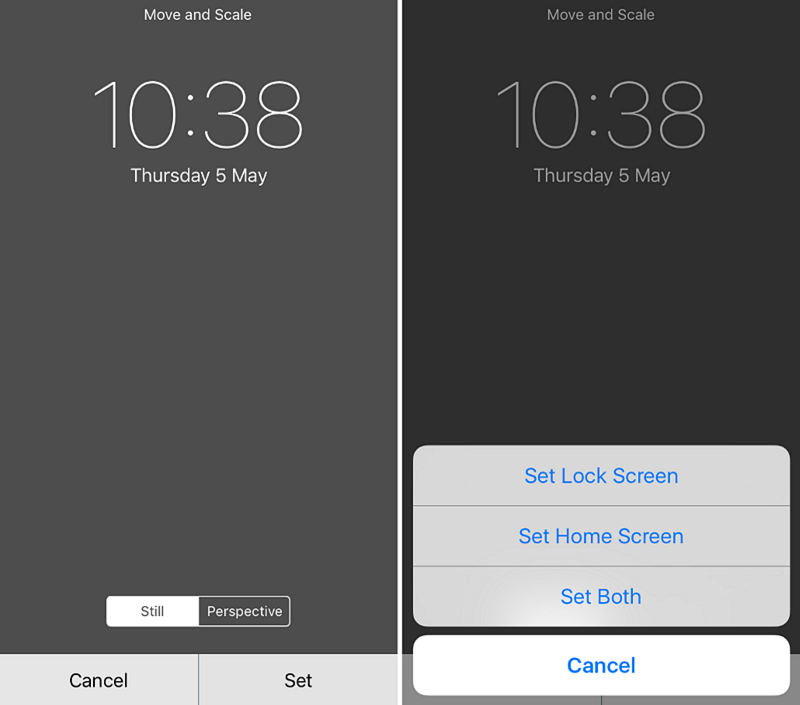
6. Choose “Set Home Screen†and note that you can use any wallpaper for your lock screen
7. Return to the home screen.
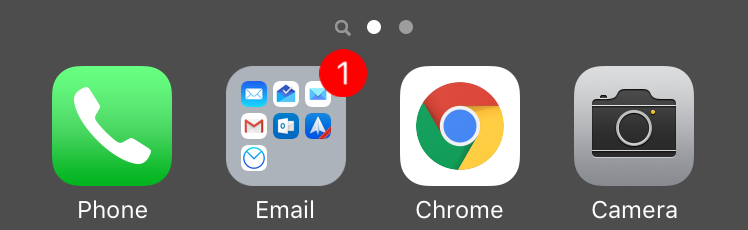
When your home screen reappears, the dock should have vanished — like in the photos above and below — leaving you with a cleaner look. To bring the dock back, simply select another wallpaper.
So did the trick works with you or not ? Share your thoughts in our comment section below.


