WhatsApp is one of the most popular cross-platform messaging apps for iOS. If you’re a long time user of the app, you must be aware that WhatsApp allows you to select a custom wallpaper for chat backgrounds. You can choose from any of the default wallpapers that come with the app or choose a photo from your Camera Roll. If you wish to enjoy more high-quality wallpapers then you should check out WhatsApp Wallpapers.
Continue reading
Recent posts
-
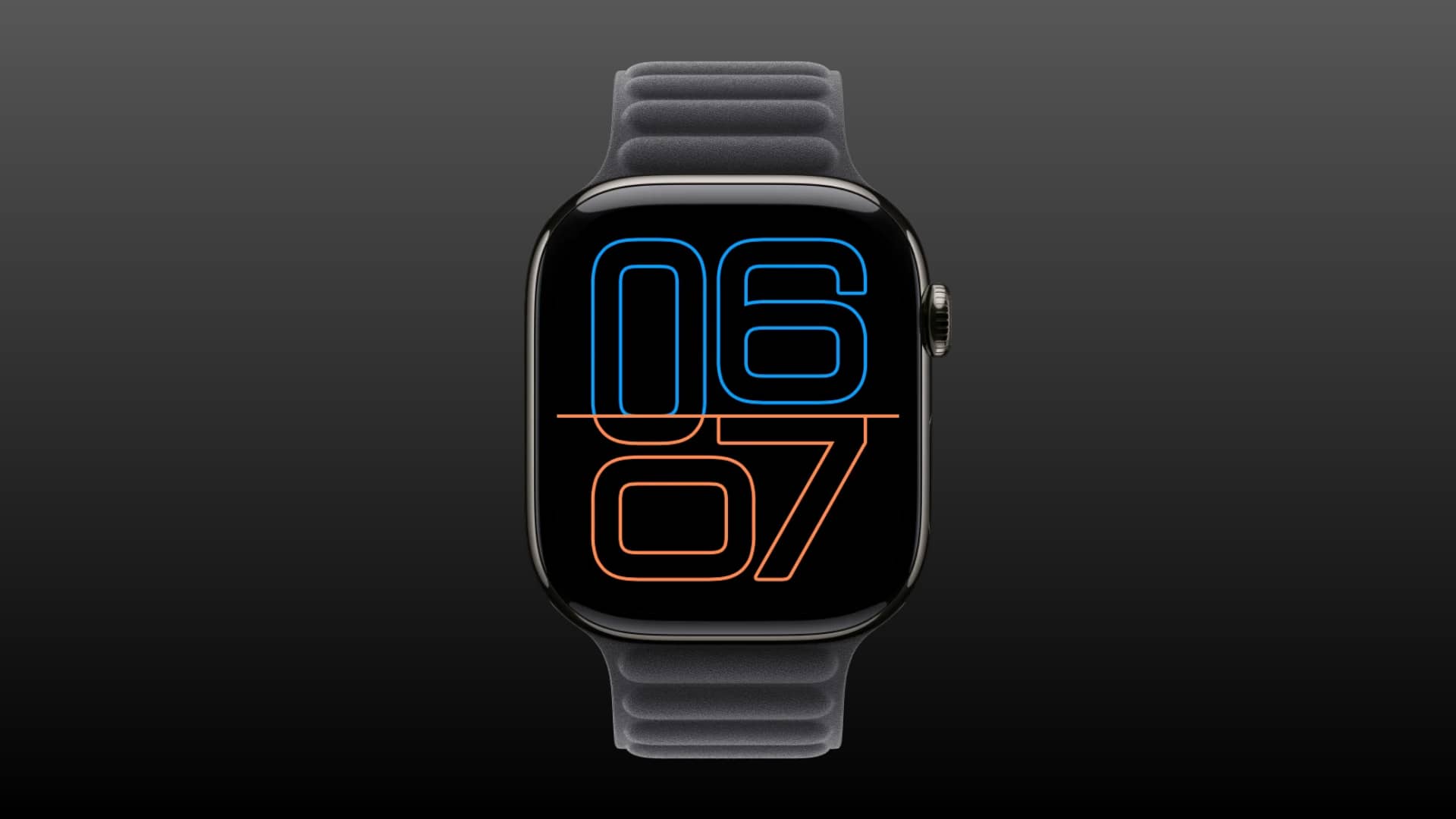
How to turn off or customize Always On display on Apple Watch November 9, 2026
Learn how to disable the Always On display on Apple Watch to save a lot of battery, or customize wha...
-
How to turn off or customize Always On display on Apple Watch November 9, 2026
Learn how to disable the Always On display on Apple Watch to save a lot of battery, or customize wha...
-
How to Make iPhone 18 Pro & 18 Pro Max Vibrate on Silent November 8, 2026
Do you want your iPhone to vibrate whenever you receive a call or alert? In this tutorial you…...
Categories
Accessories
Apple
Apple News
Apple TV hacks
Apple Watch
Apps
CydiaHelp
Deal
Deals
feat
Featured
General
Geohot.us
Guide
How to
iOS
iOS 11
iOS 15
iOS 16
iPad
iPadOS
iPhone
iPhone4jailbreak.org
iPhone 8
iPhoneHacks
iPhone X
Jailbreak
Jailbreak Apps & Tweaks
jailbreaknation
List
Mac
macOS
News
Push
Redsn0w.us
Review
Roundup
rumor
Rumors
Software
Tips
Tutorial
Tutorials
Update
Wallpapers