Many Users Reporting "No service" and Touch ID Issues after upgrading to iOS 8.0.1
 , , , Redsn0w.us, 0
Apple has just released iOS 8.0.1 which said, it comes to fixes many bugs fixes in the previous version...
 , , , Redsn0w.us, 0
Apple has just released iOS 8.0.1 which said, it comes to fixes many bugs fixes in the previous version...
As we expected, Apple has just released iOS 8.0.1 which comes with number of improvements and bugs fixes. With...
 , , , iPhoneHacks, 0
People putting devices through stress tests isn’t new at all, and it will continue for as long as...
There have been reports of iPhone 6 Plus bending under pressure from being in owner’s pockets, and if you’re...
When it comes to certain individuals, you can expect certain things to be said. When it comes to Eric...
If you keep dropping your iPhone from time to time, or work in extreme environment conditions where your iPhone...
, , , iPhoneHacks, 0
Security, and making sure personal information on our mobile devices is safe at all times, has become a constant...
If you’ve hit the “No Service” or Touch ID issue after upgrading to iOS 8.0.1, then you need to install...
While Siri was the first digital personal assistant to really make a big impact on the mobile market, it’s...
 , , , iPhoneHacks, 0
I just upgraded my iPhone 6 Plus to iOS 8.0.1 as soon as it was available. But after installing the update...
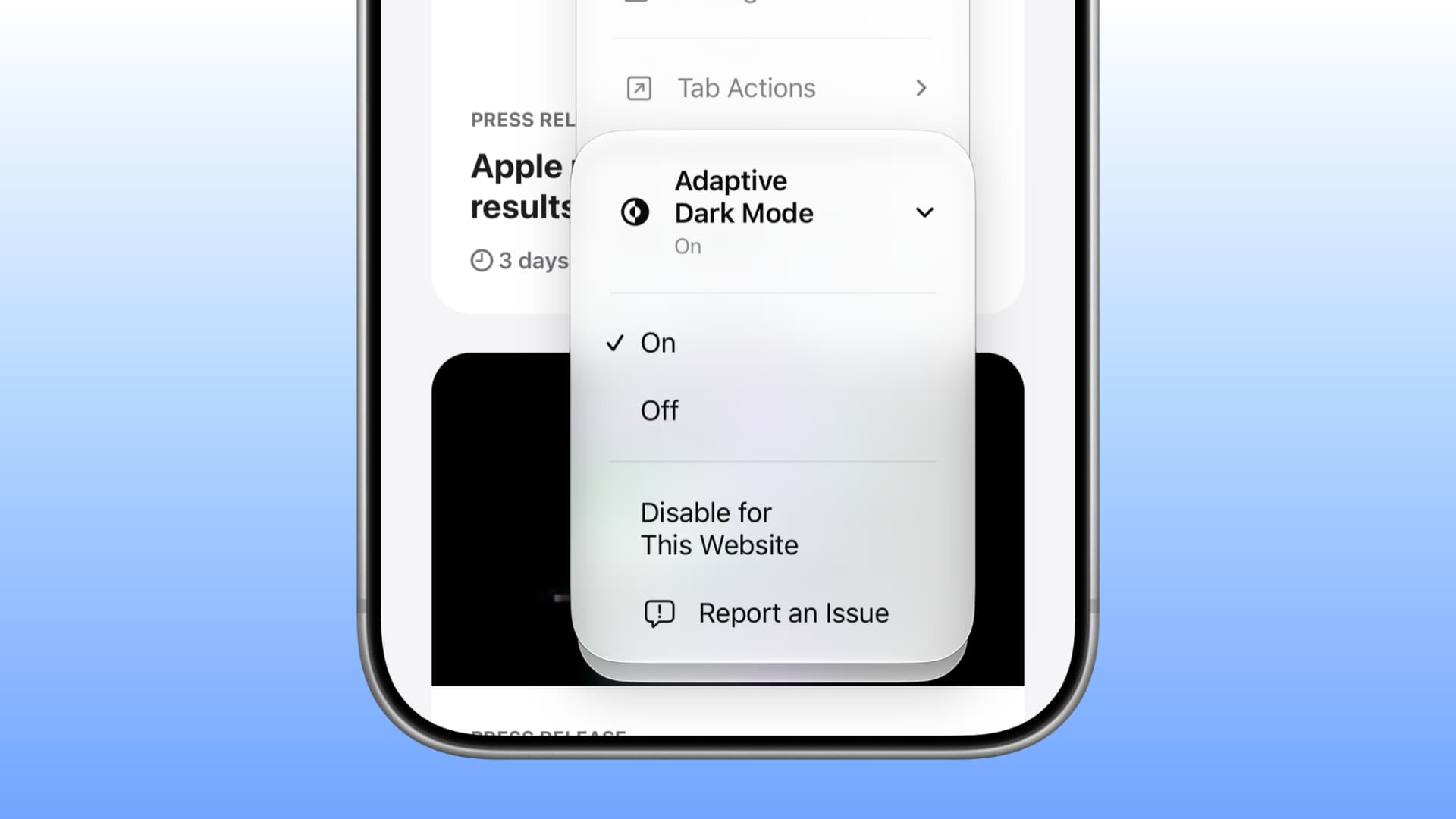 How to use Adaptive Dark Mode in Safari on iOS & macOS 27.3 November 6, 2026
Learn how to use the new Adaptive Dark Mode in Safari on iOS and macOS 27 to force dark mode on webs...
 How to Enable or Disable Screen Rotation on iPhone 18 Pro & Pro Max November 6, 2026
Is your iPhone 18 Pro screen not rotating when you turn your phone sideways? Or perhaps the screen&#...
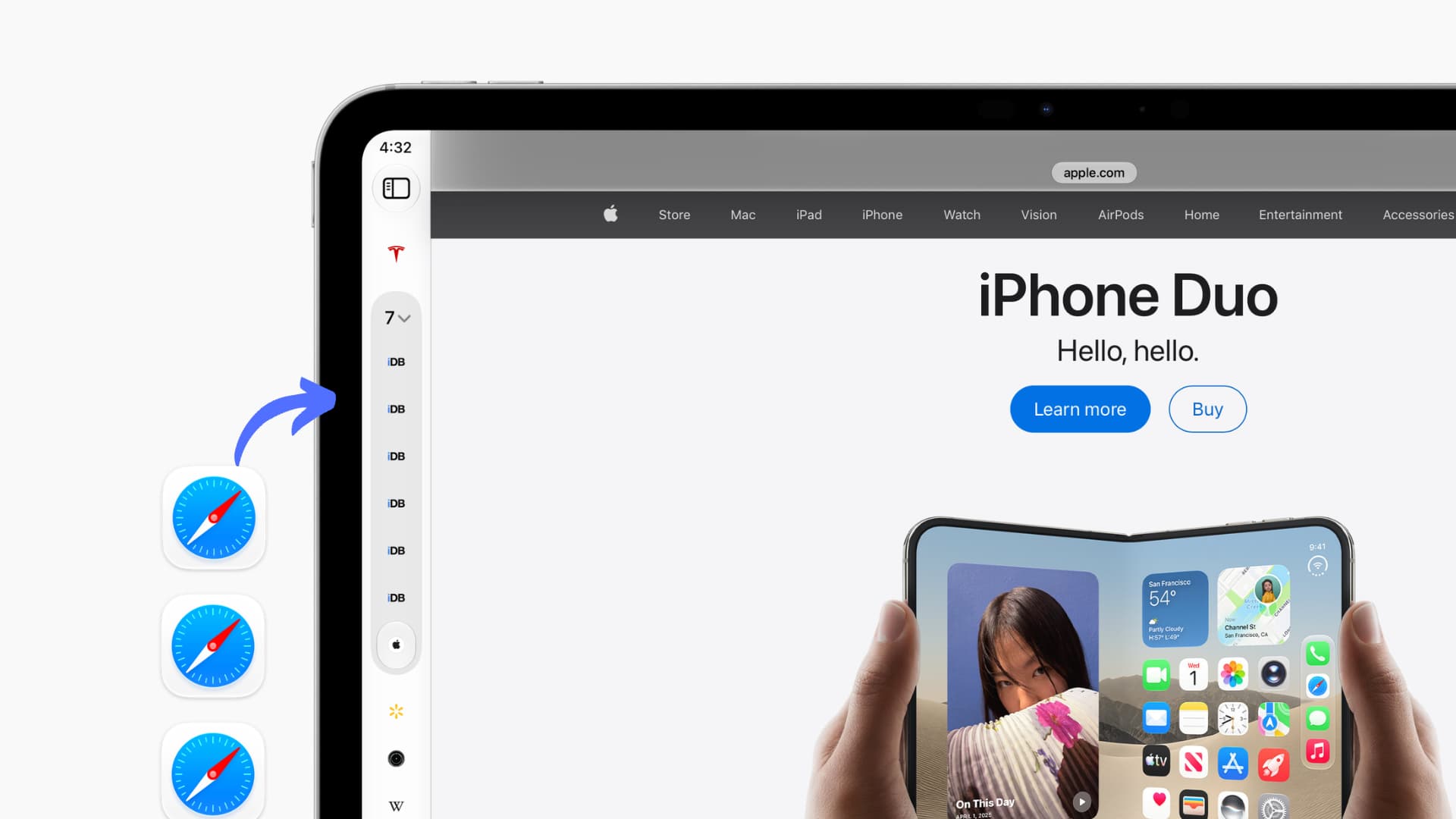 How to use vertical tabs in Safari on macOS and iPadOS 27 November 5, 2026
Learn how to switch to vertical browser tabs instead of the horizontal top tab row on iPhone, iPad, ...