I love how far desktop browsers have come, in terms of the functionality and flexibility they offer users. Between extensions and bookmarklets, I’ve got all my essential functions just a click away, including saving articles to read later, taking a screenshot of the active page, and sharing links via email and social networks. So when I’m browsing pages on my iPhone, I definitely want as much of the same experience as when I’m using Chrome on my PC.
Continue reading
Recent posts
-
How to use Adaptive Dark Mode in Safari on iOS & macOS 27.3 November 6, 2026
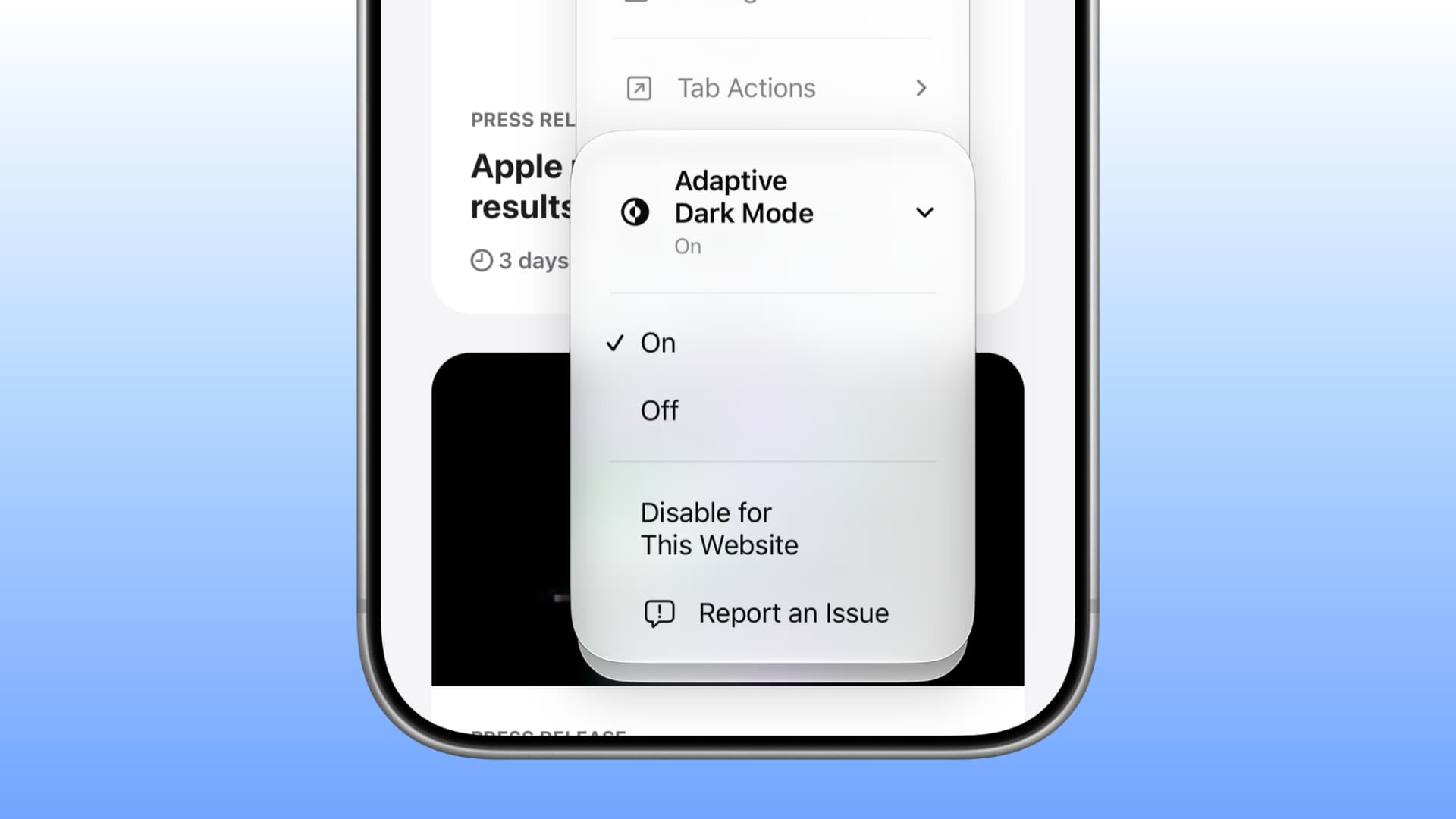
Learn how to use the new Adaptive Dark Mode in Safari on iOS and macOS 27 to force dark mode on webs...
-
How to Enable or Disable Screen Rotation on iPhone 18 Pro & Pro Max November 6, 2026
Is your iPhone 18 Pro screen not rotating when you turn your phone sideways? Or perhaps the screen...
-
How to use vertical tabs in Safari on macOS and iPadOS 27 November 5, 2026
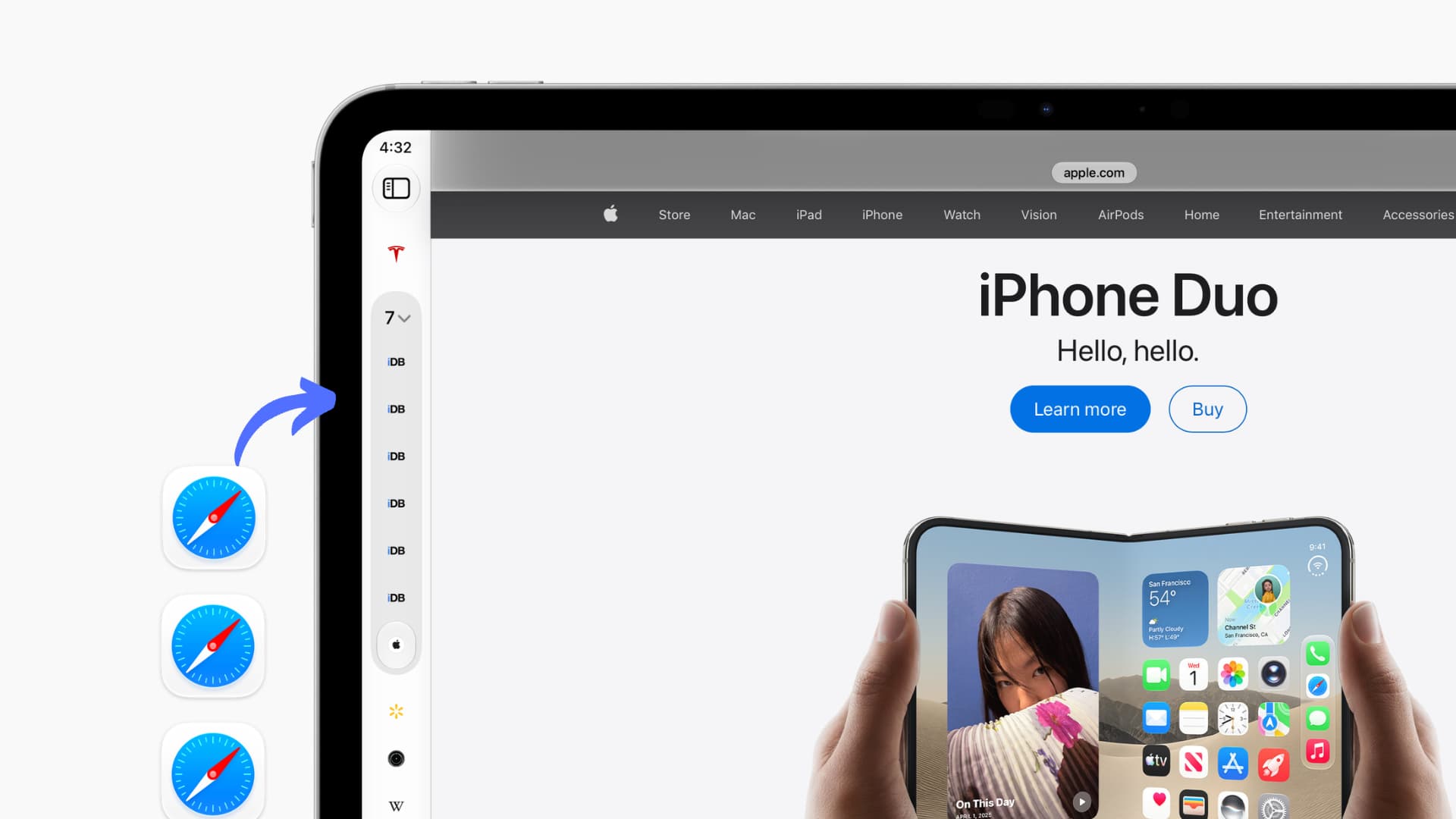
Learn how to switch to vertical browser tabs instead of the horizontal top tab row on iPhone, iPad, ...
Categories
Accessories
Apple
Apple News
Apple TV hacks
Apple Watch
Apps
CydiaHelp
Deal
Deals
feat
Featured
General
Geohot.us
Guide
How to
iOS
iOS 11
iOS 15
iOS 16
iPad
iPadOS
iPhone
iPhone4jailbreak.org
iPhone 8
iPhoneHacks
iPhone X
Jailbreak
Jailbreak Apps & Tweaks
jailbreaknation
List
Mac
macOS
News
Push
Redsn0w.us
Review
Roundup
rumor
Rumors
Software
Tips
Tutorial
Tutorials
Update
Wallpapers