

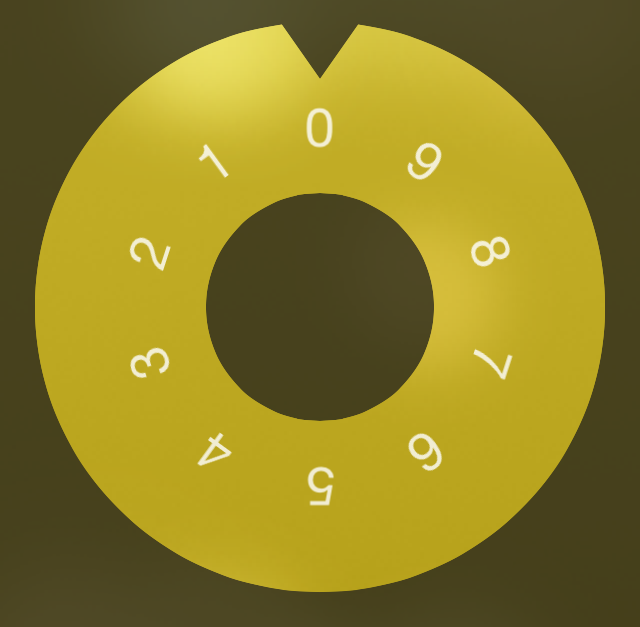
If you’re looking to add a little flair to the iOS Lock screen, then you should take Combination Lock for a spin (pun intended). Have a look at our video walkthrough to see what I mean.
Once Combination Lock is installed, the tweak starts working immediately. You’ll notice that your normal passcode entry menu on the Lock screen has been replaced by a circular combination-styled lock. The nice thing about Combination Lock is that you can still simply tap on the digits to quickly enter your device’s passcode. Or, if you want to harken back to the days of yesteryear (I understand that people still use combination locks, I’m just being dramatic), you can turn the dial to enter each digit sequentially.

I appreciate how Combination Lock meshes with Lock screen wallpaper. The tweak itself is translucent, which allows your wallpaper to shine through the lock interface, providing a custom look.
Combination Lock is available free right now on the BigBoss repo, and I do recommend giving it a try, even though it’s not totally perfect yet. Have you tried it? Sound off down below in the comment section with your thoughts and opinions.


