

Enable a Terminal command on your Mac running macOS Golden Gate to quickly insert emojis by typing a colon (:) followed by the emoji’s name.
This article has been posted in iDownloadBlog.com by Ankur Thakur, you can read the full article here

Enable a Terminal command on your Mac running macOS Golden Gate to quickly insert emojis by typing a colon (:) followed by the emoji’s name.
This article has been posted in iDownloadBlog.com by Ankur Thakur, you can read the full article here
 How to Create an Alarm on Apple Watch November 25, 2026
In this tutorial, we show you how to set an alarm on your Apple Watch and edit existing… The p...
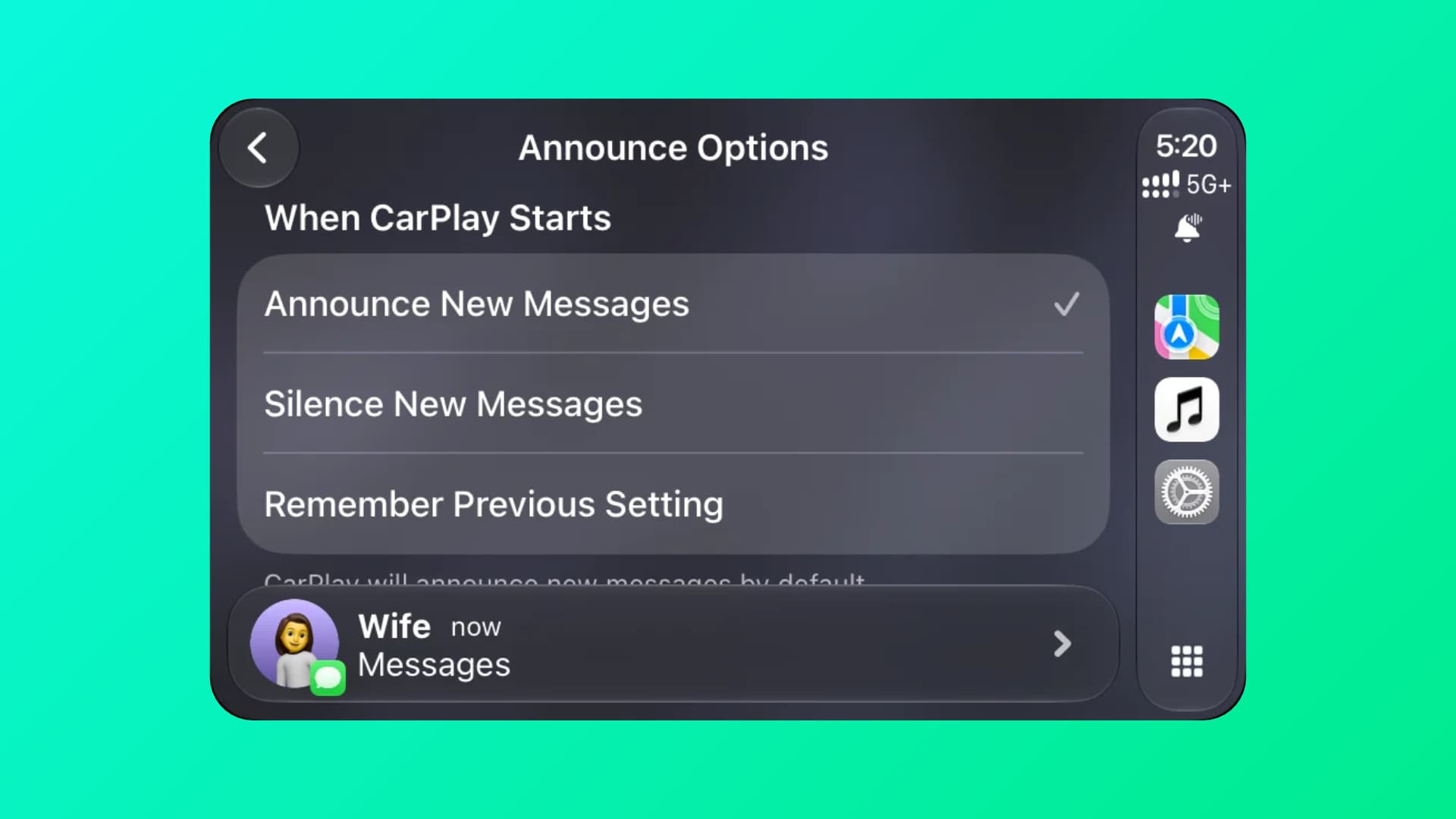 How to set up message announcements in CarPlay November 24, 2026
Learn how to have Siri read your new messages in CarPlay so you can know what the text says without ...
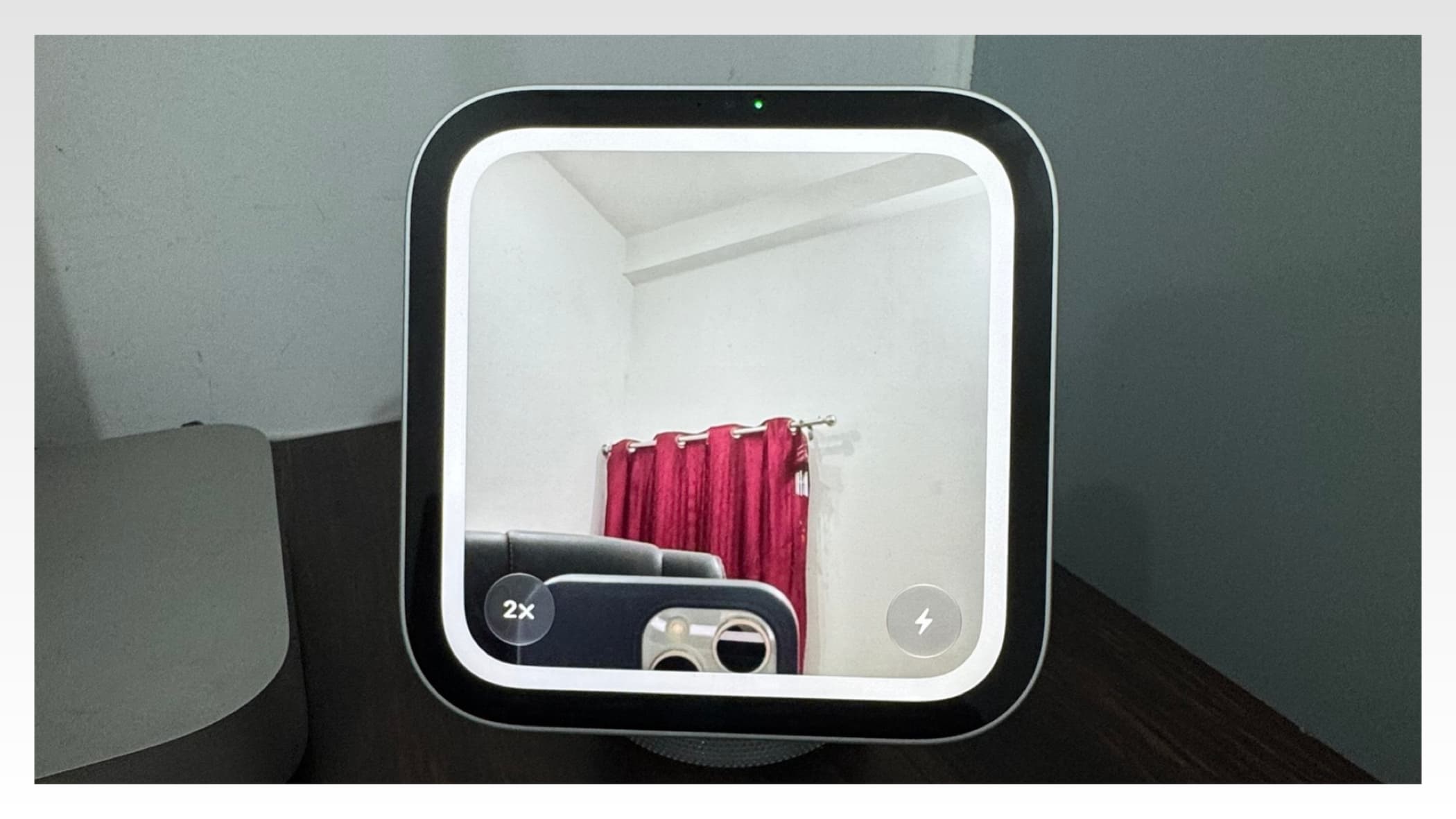 How to use HomeView as a mirror with ring light November 23, 2026
Learn how to use Apple HomeView smart home device as a mirror for quick makeup or to check yourself ...